Audience Scenario—Analyze Series, Channel, Episode, Affiliate Drill-Downs
To gain insights into the key levels of your content viewership and consumption, start with one of the content overview pages (Series, Channel, Episode, and Affiliated) and then drill-down quickly to observe the focused trends and viewer data for that specific content area. For example, begin with the Series Overview to observe your overall series viewership and preference trends. Then, drill into the content or lead-in/lead-out data for a specific series (e.g., the series with the highest or lowest viewership) to analyze which factors, such as the promotions or catalog changes, have been most influential to your viewers.
| Analysis and correlations | Start with this Overview dashboard | Analyze and click these data points | Drill-down to these pages |
|---|---|---|---|
|
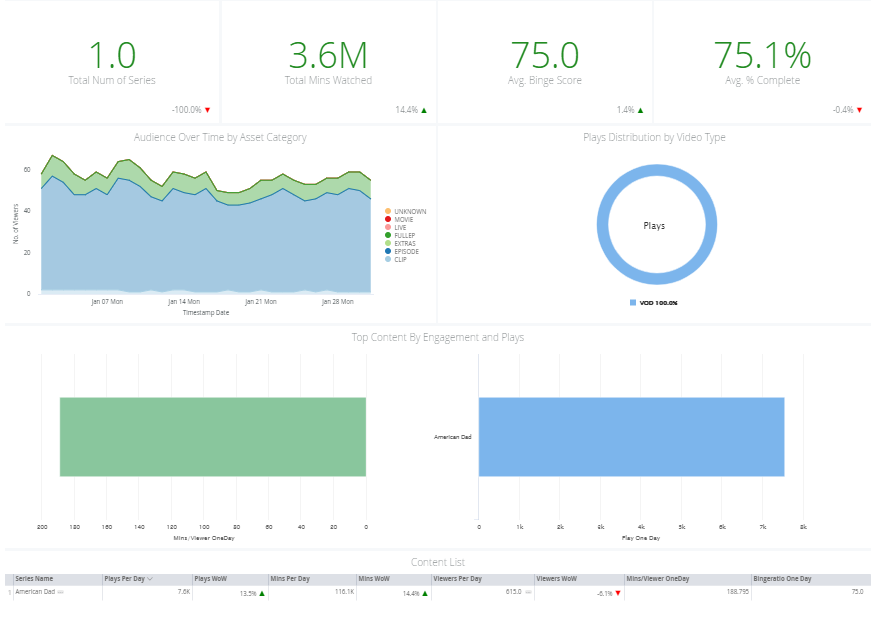
Overall Viewership and Consumption Analysis Gain high-level insights across your series, channels, episodes, and affiliates.
In each content area, drill-down for specific data and comparisons, such as lead-in/lead-out and detailed content analysis. Follow similar navigation paths for channel, episode, and affiliate analysis. |
Series Overview Page
|
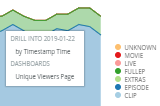
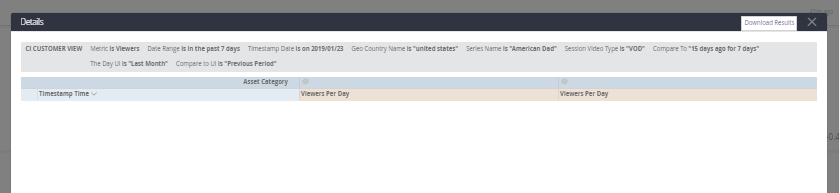
Asset Category Detail Page Click a data point and select By Timestamp Time.
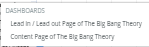
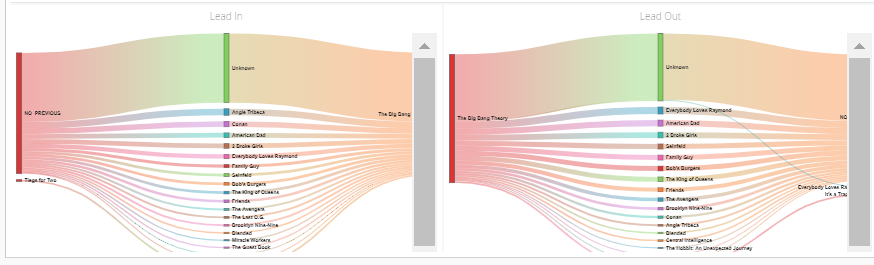
Click a content or engagement data point and select Leadin/Leadout or Content page.
|
Timestamp Time
Unique Viewers
Leadin/Leadout
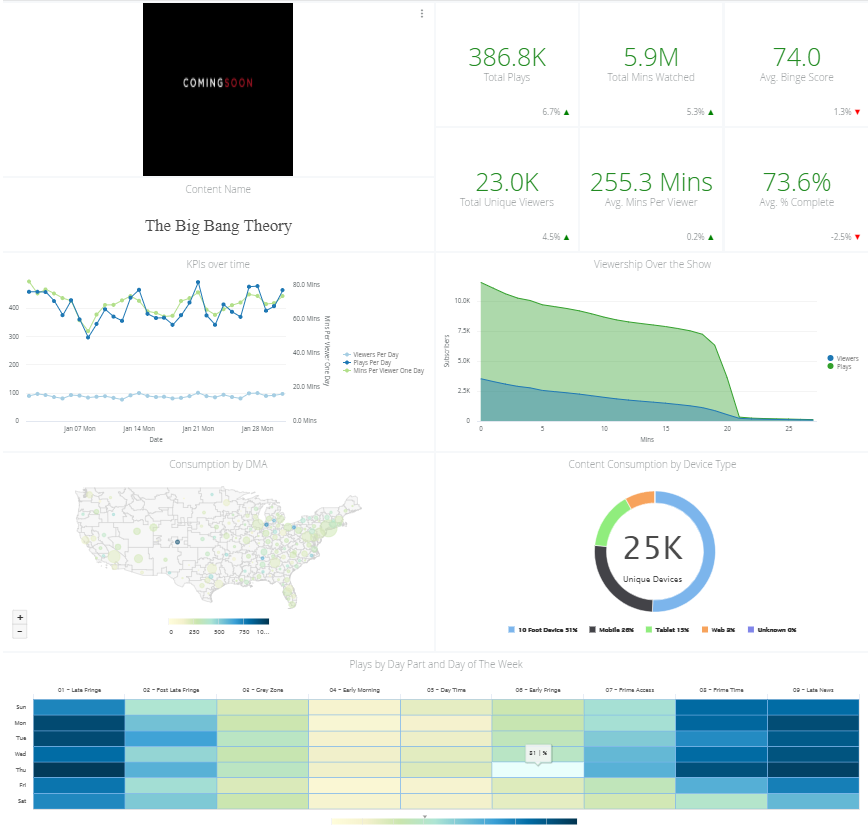
Content Page
|
|
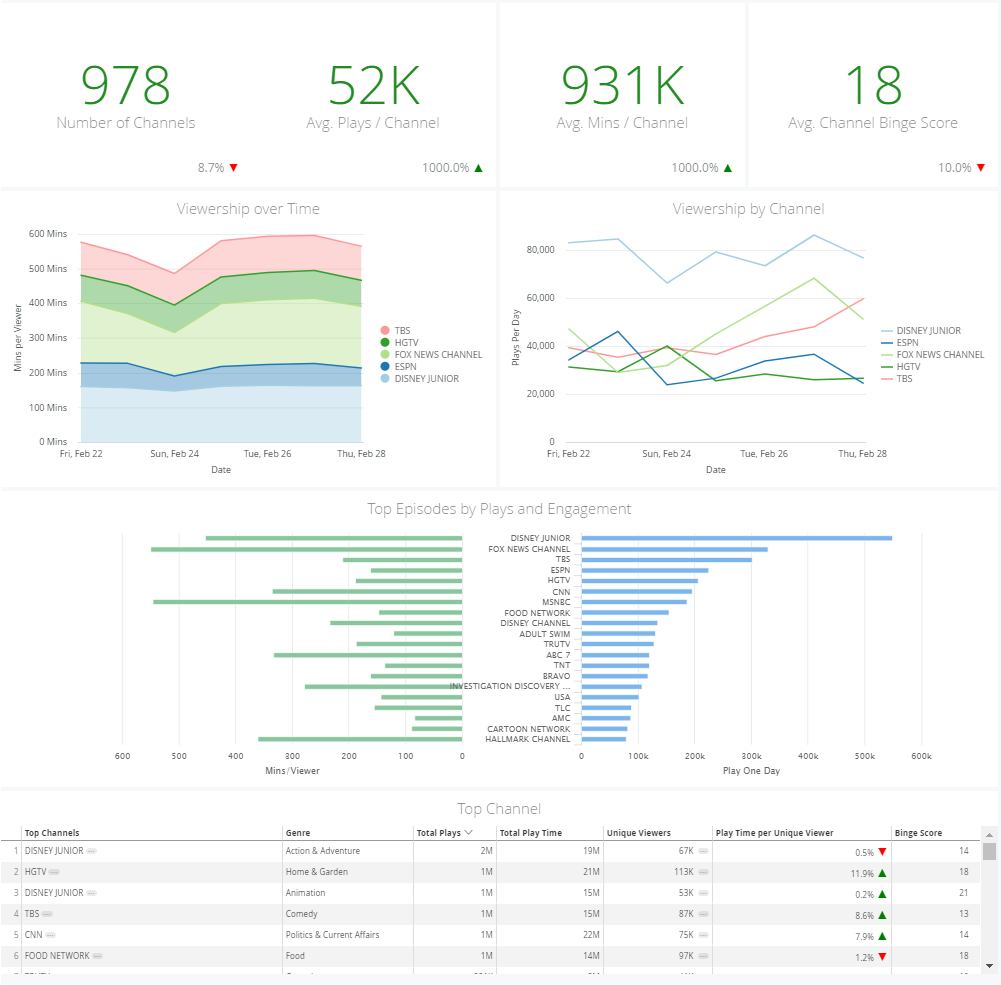
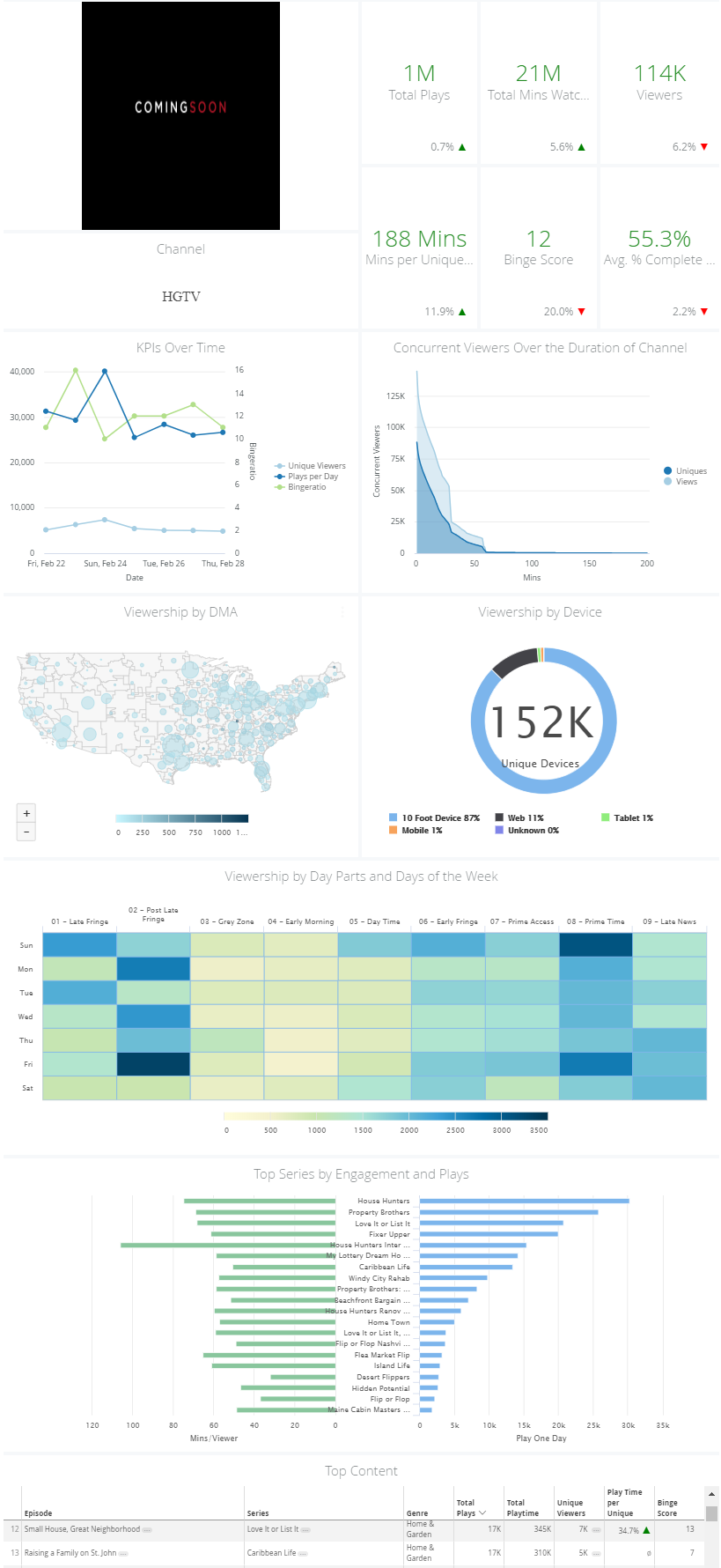
Channel Overview Page
|
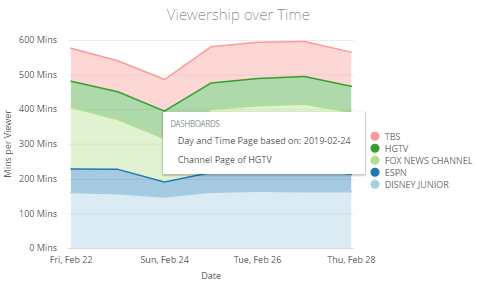
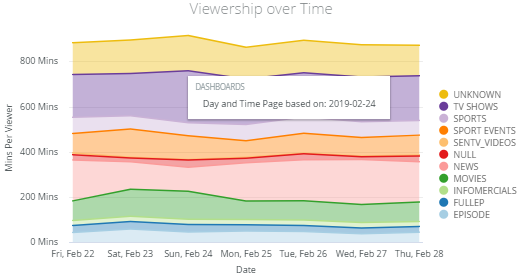
Viewership Over Time Click a data point and select Day and Day Time Page or Channel page.
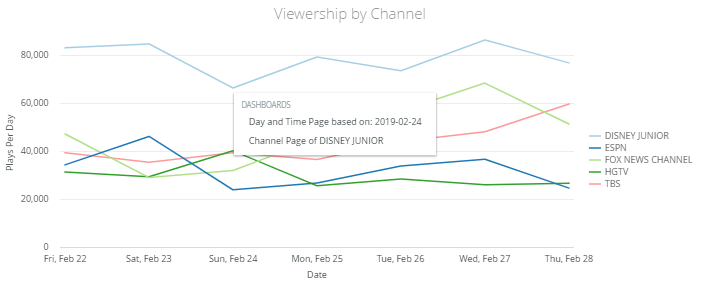
Viewership by Channel Click a data point and select Day and Day Time Page or Channel page.
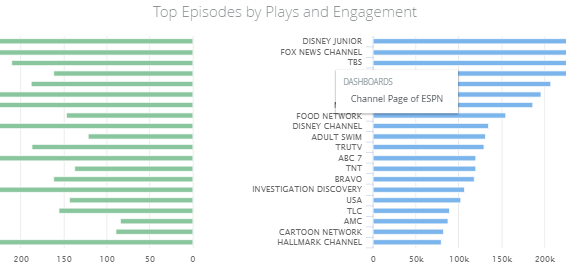
Top Episodes by Plays and Engagement Click a data point and select Day and Day Time Page or Channel page.
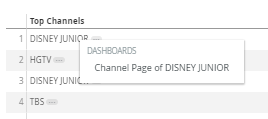
Top Channel Click a channel and select Channel page.
|
Day and Day Time Page
Channel Page
|
|
|
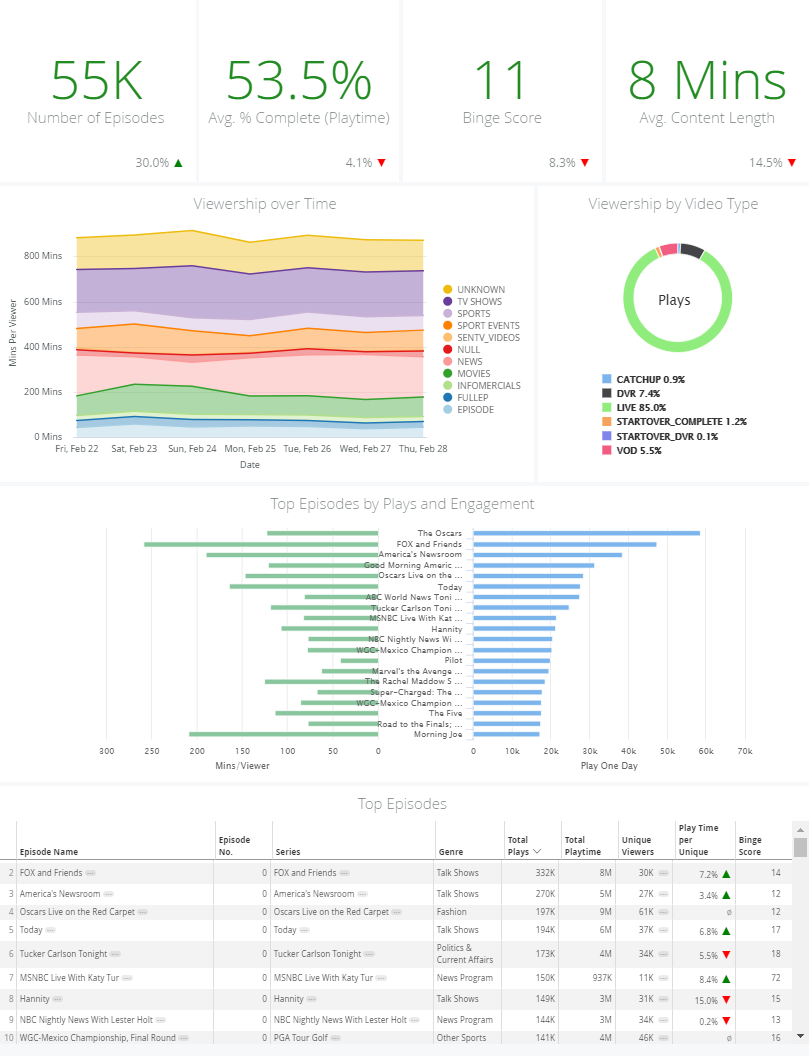
Episode Overview Page
|
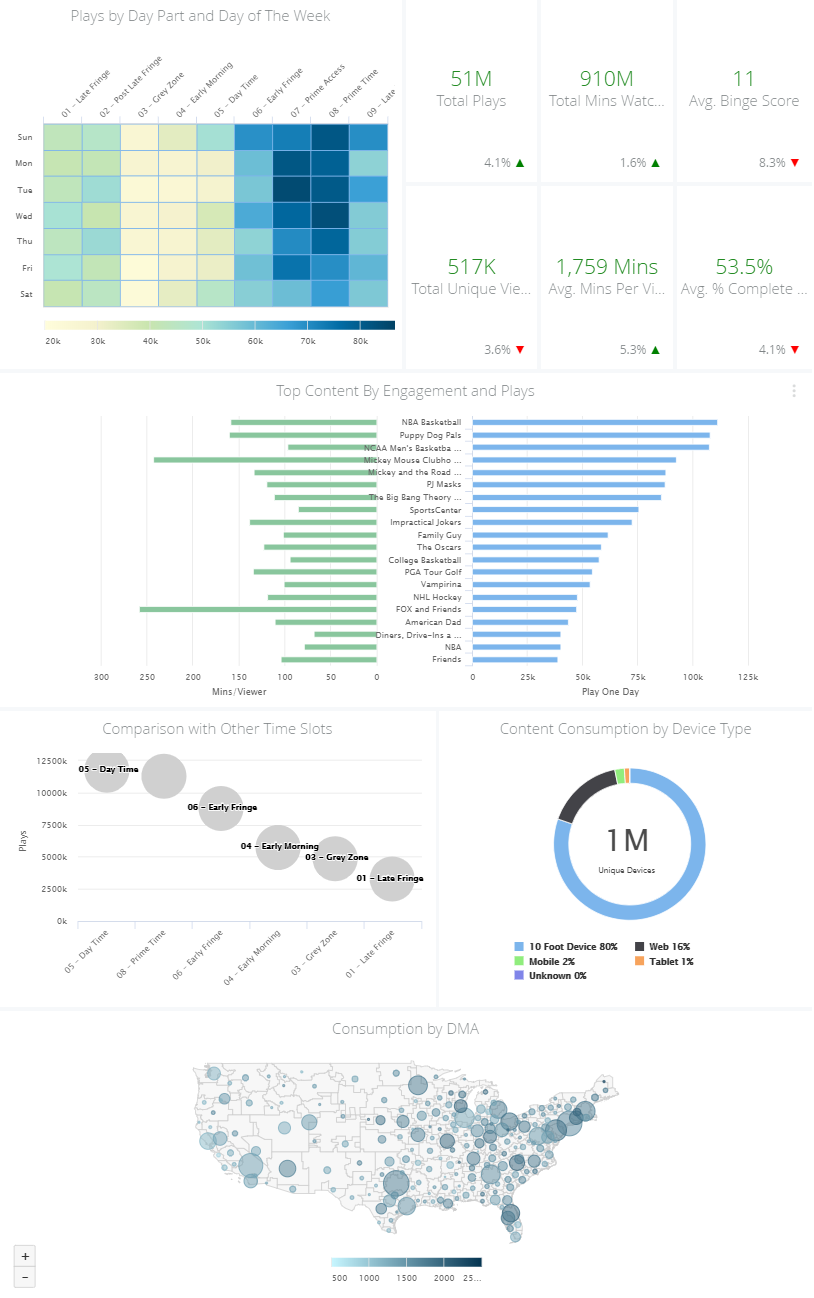
Viewership Over Time Click a data point and select Day and Time page.
|
||
| Affiliate Overview Page |