Audience Scenario—Understand Consumption Patterns
Starting from the Segment Overview dashboard, you can quickly observe overall trends in consumption based on the configured behavioral segments. Audience defines a set behavioral segments, such as series consumption, device consumption, and day-day part consumption, to help you analyze viewer behavior and consumption patterns. You can also create customized behavior segments based on your most critical viewer behaviors to correlate additional behavior characteristics with viewership and consumption.
You can also import data for advanced combinations of behavior segments, for example importing high LTV viewers to highlight top-priority consumption trends.
Scenario—Understand Consumption Patterns
This scenario covers:
- Analysis and Correlations.
- Segment Overview Page.
- Segment Details Page.
- Segment Page.
- View and Download Viewership Data.
- Number of Plays.
Analysis and Correlations
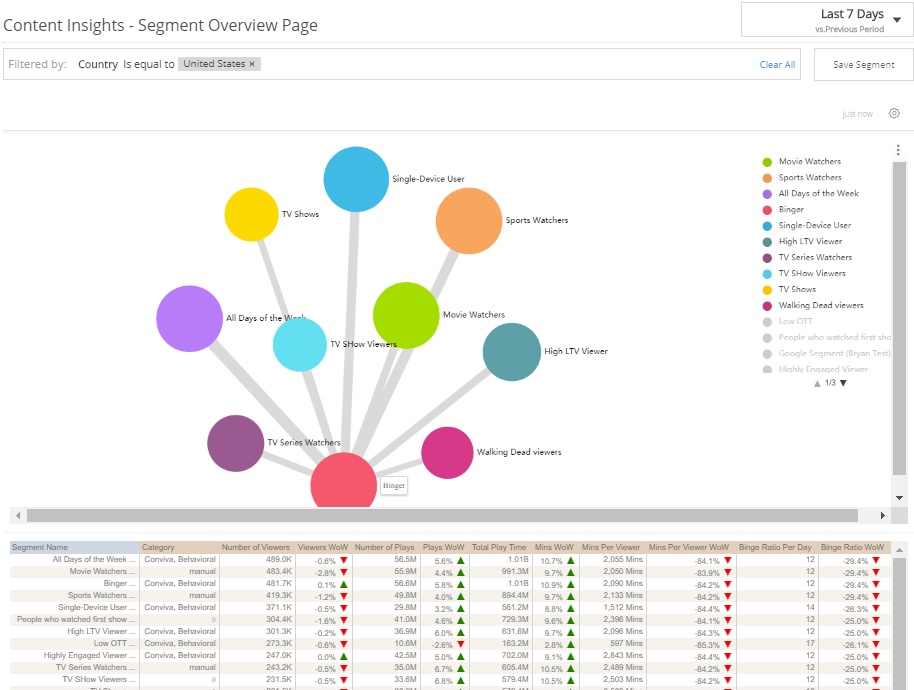
Overall Consumption Patterns by Segment
Determine overall viewership patterns, relative segment sizes, and changes from the previous period. In this example, the hover is over the largest viewer segment, Bingers.
- Mouse-over any segment connection line to display the audience data.
-
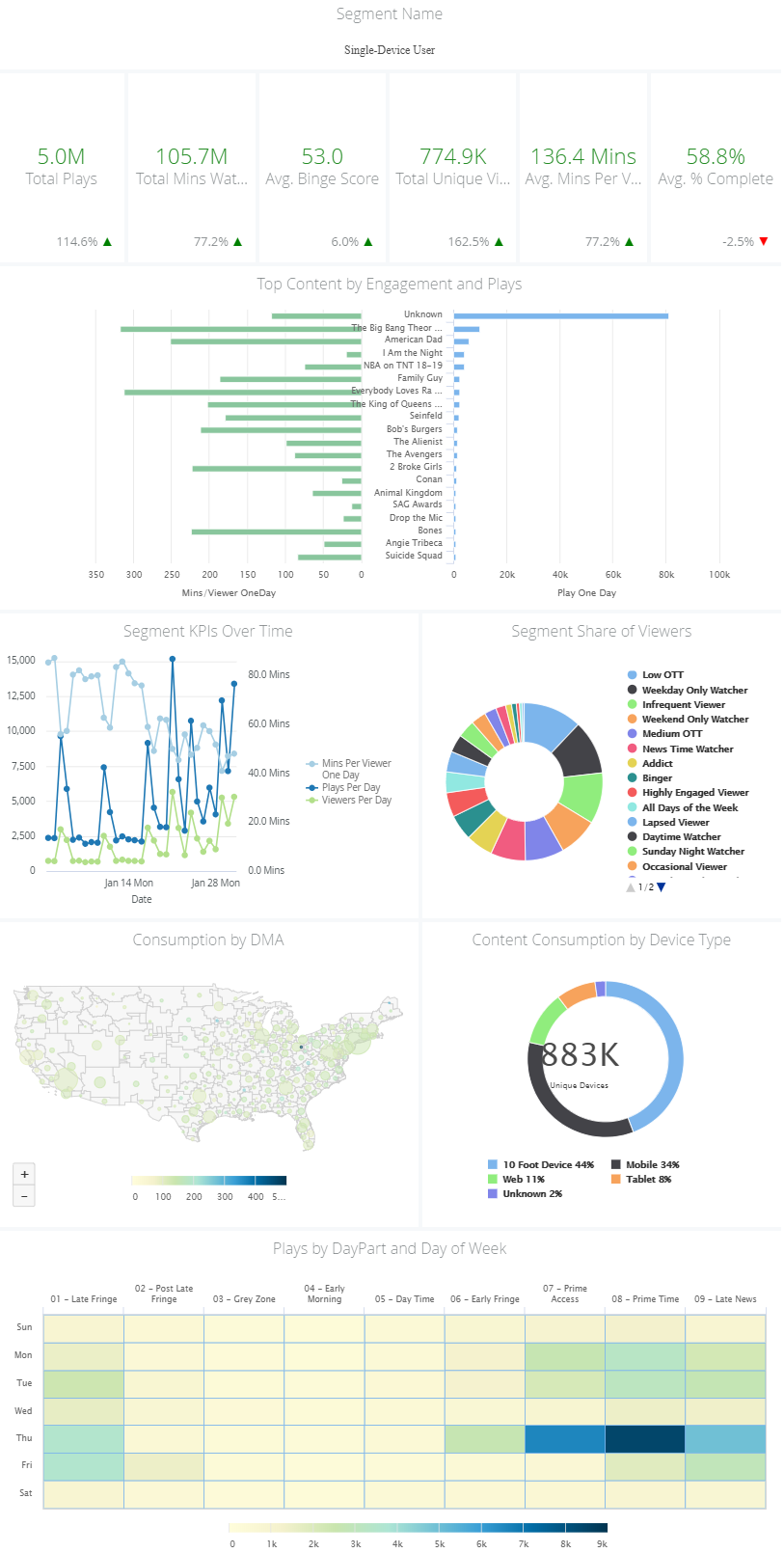
Toggle your critical segments using the right-side legend. Analyze the drill-down data and week-to-week comparison to discover the most important viewership and consumption characteristics of the segment:
- Viewership metrics
- Engagement and Plays
- KPIs
- Segment share
- DMA
- Device type
- Day, daypart
-
Clicking any data point opens a drill-down page with data filtered for that data point.
Segment Overview Page
Segment Details Page
-
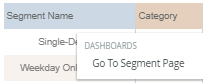
Click a segment name and select Go To Segment Page
Segment Page
View and Download Viewership Data
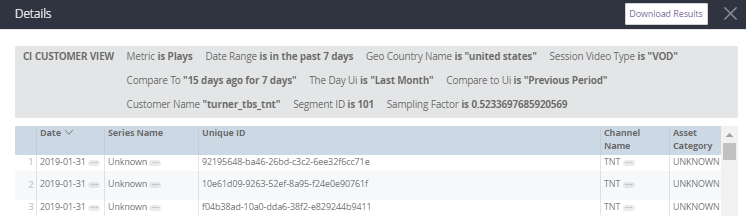
Click the Number of Plays data to display the individual play data for that segment.
Number of Plays