-
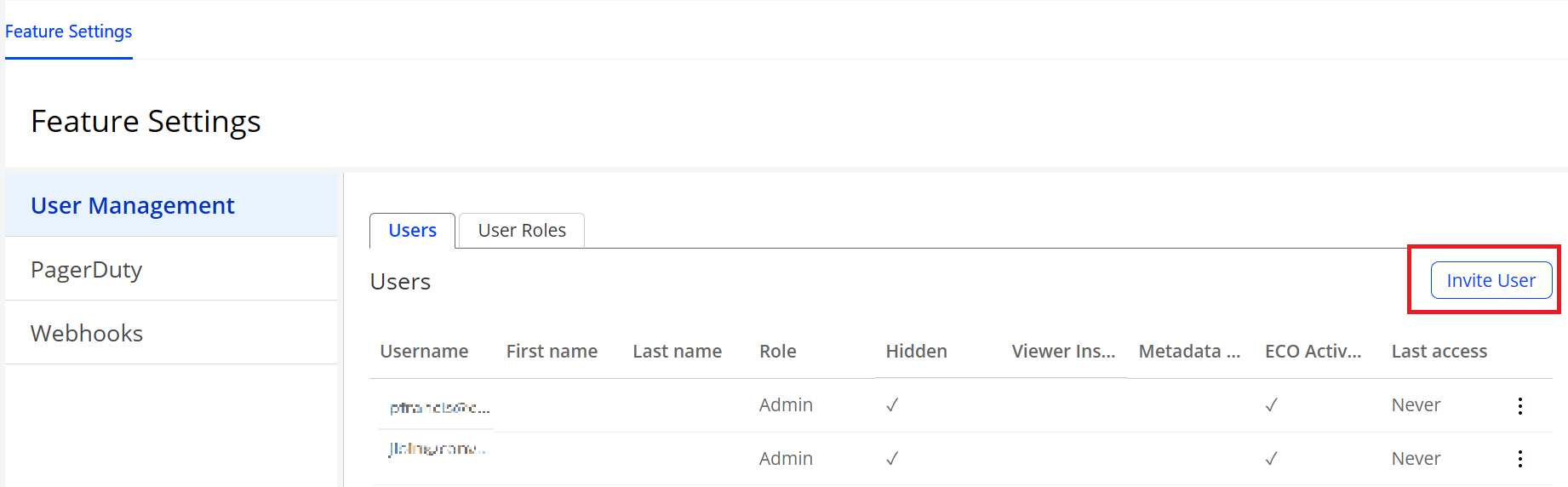
Invite and manage users
-
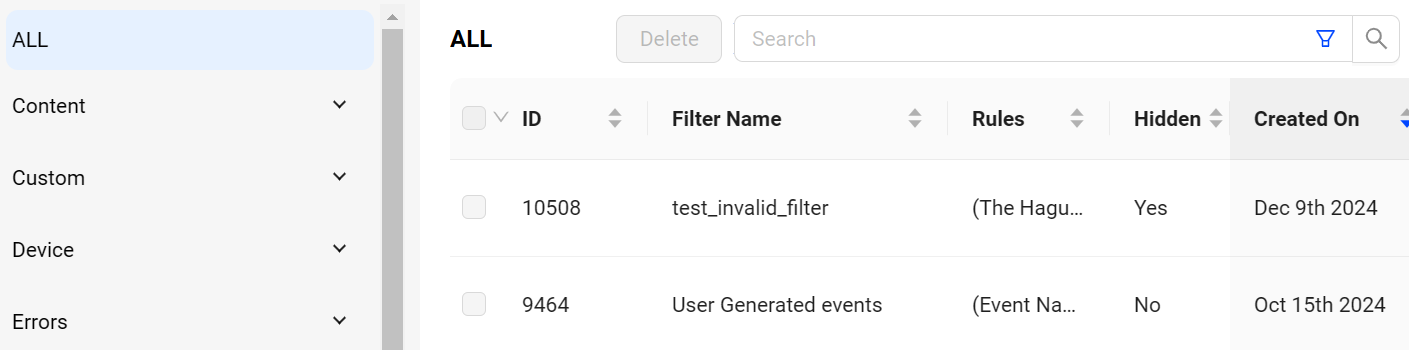
Manage filter settings
-
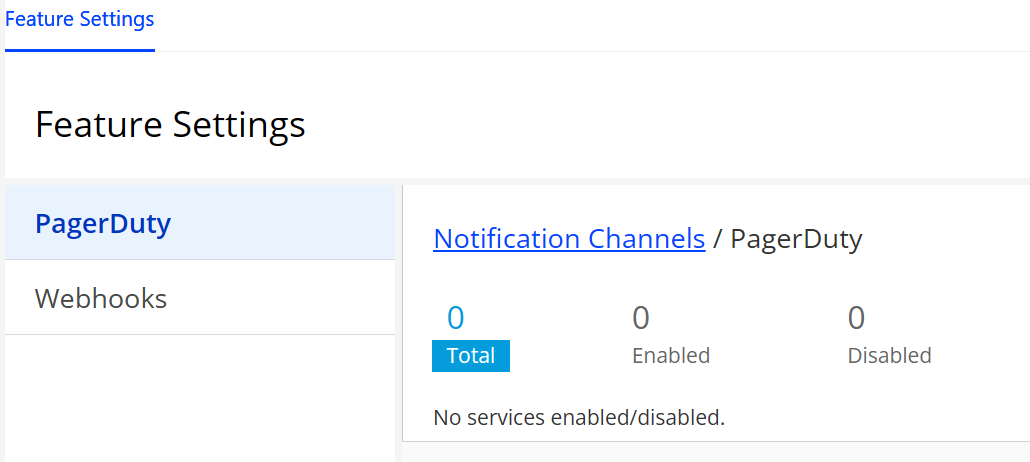
Managing notifications
-
Coordination SSO and other security settings with Conviva
Admin Task Details
| Admin Tasks | Description |
|---|---|
Invite and Setup Users
Access Pulse: Settings > User Management |
Empower the Admin to invite and manage users to engage with Conviva DPI. Oversee user accounts, permissions, and invitations, facilitating seamless interaction within DPI. For more details, see Account Setup and User Management. |
Create Custom Filters
Access Pulse: Settings > Filter Management |
Leverage the power of your data through customizable dimensions and metadata filters. The pre-defined All Traffic filter shows all traffic originating from your players. Create custom filters to focus data on your specific business requirements, including advanced filter logic options for contains, equals to, and not equal to. For more details, see Filter Management. |
Enable Notification Channels
Access Pulse: |
Configure programmatic notifications for AI alerts using webhooks and PagerDuty. For more details, see Setting Webhook Notifications and Conviva PagerDuty Integration Guide for DPI. |