
My Profile Applications
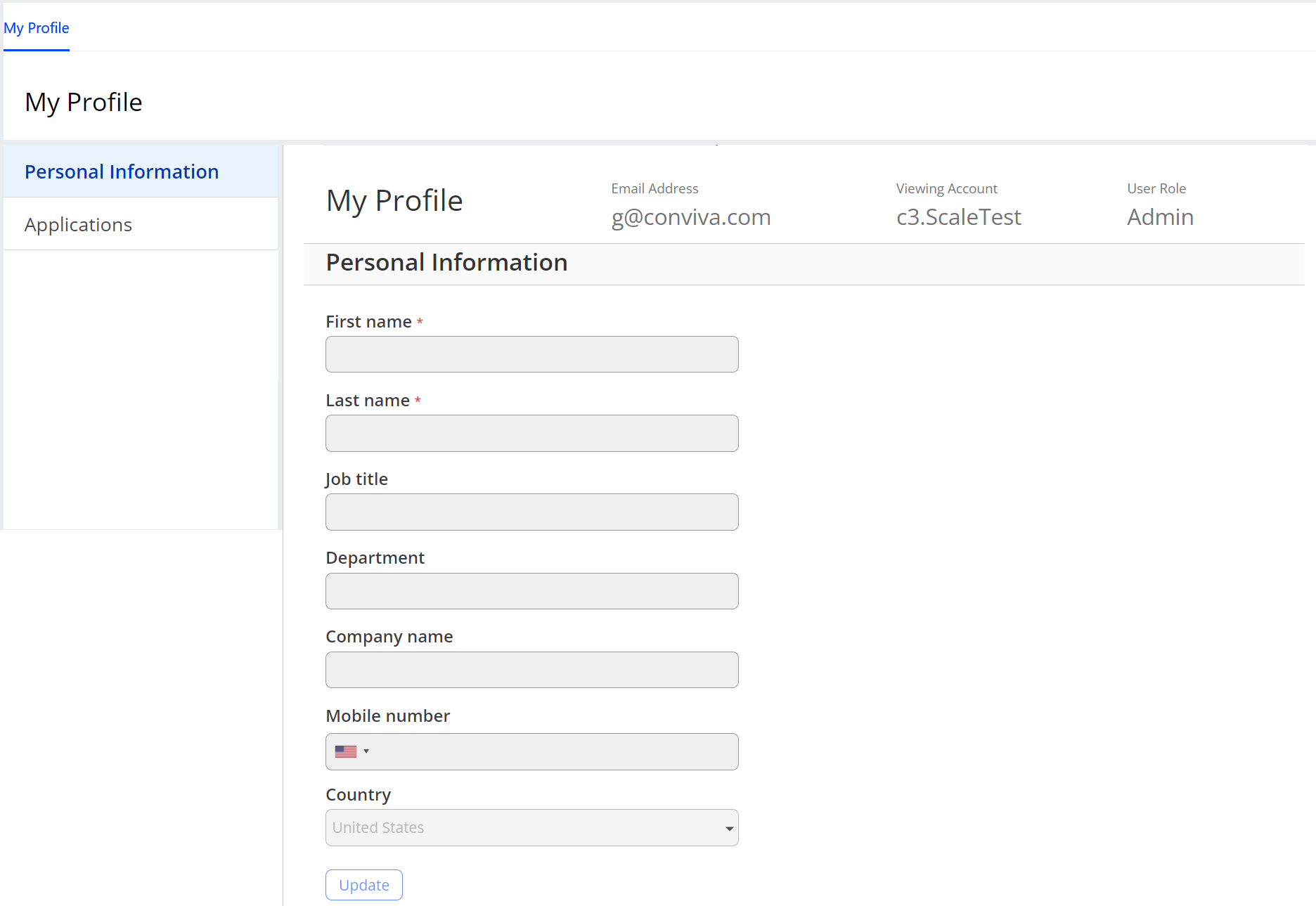
Your My Profile page displays the account you are currently viewing and the role you have for that account. It also allows you to update your personal details, change your default account (if you have access to two or more Pulse accounts), view the Pulse applications to which you have access, change your password, view the devices used to access Pulse, and modify your email subscription preferences.
To access the My Profile page, in the Settings icon, click My Profile. The My Profile page appears with your personal information setting as the default selection.
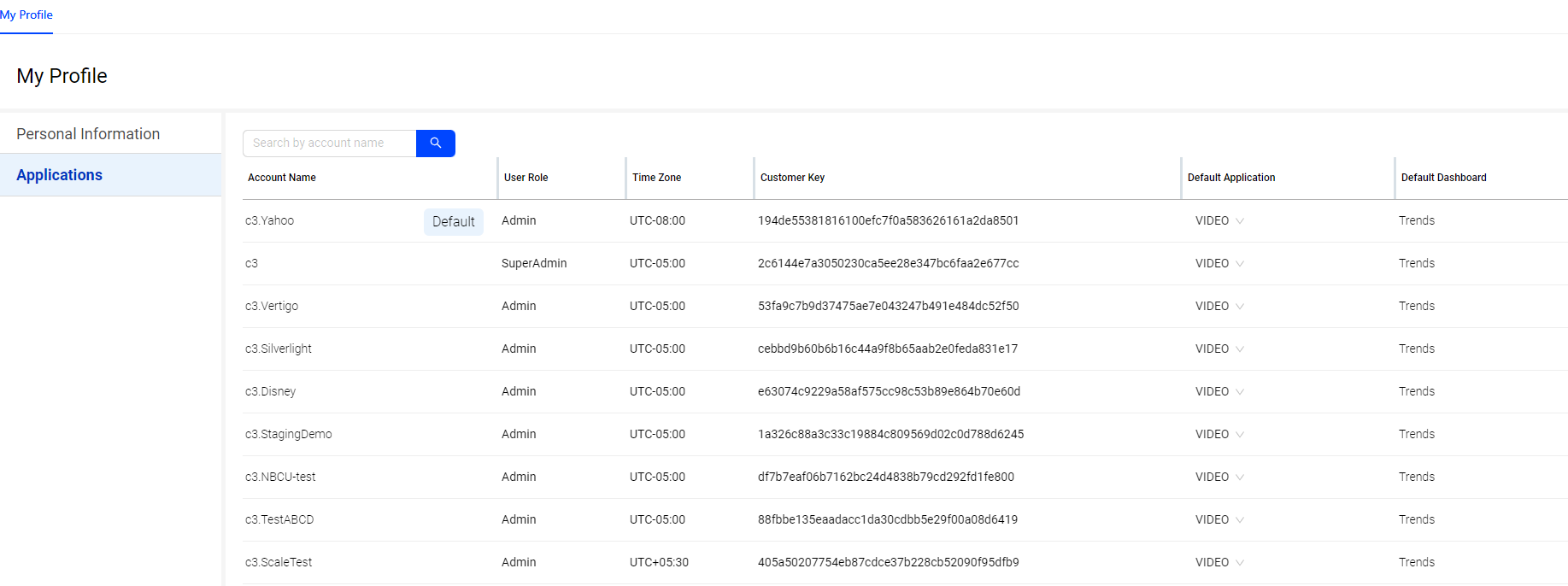
Applications Tab
The Applications tab displays the list of recently accessed Pulse applications along with access information.
For more details about the other profile options, see:
To manage personal data settings, see Managing Personal Data. For Conviva's data access and retention, see Data Access and Retention Policy.