
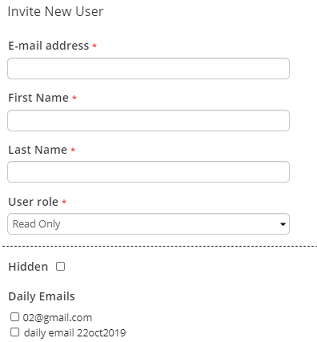
Choose Feature Settings from the Settings menu and in User Management click Invite User.

Enter an email address
Choose a user role, such as Admin orStaff.
Click Invite User.
Subsequently, Pulse will send an invitation email to the user's email address for completion of the registration process.
For user access levels and privileges, see Pulse Access Levels and User Roles.